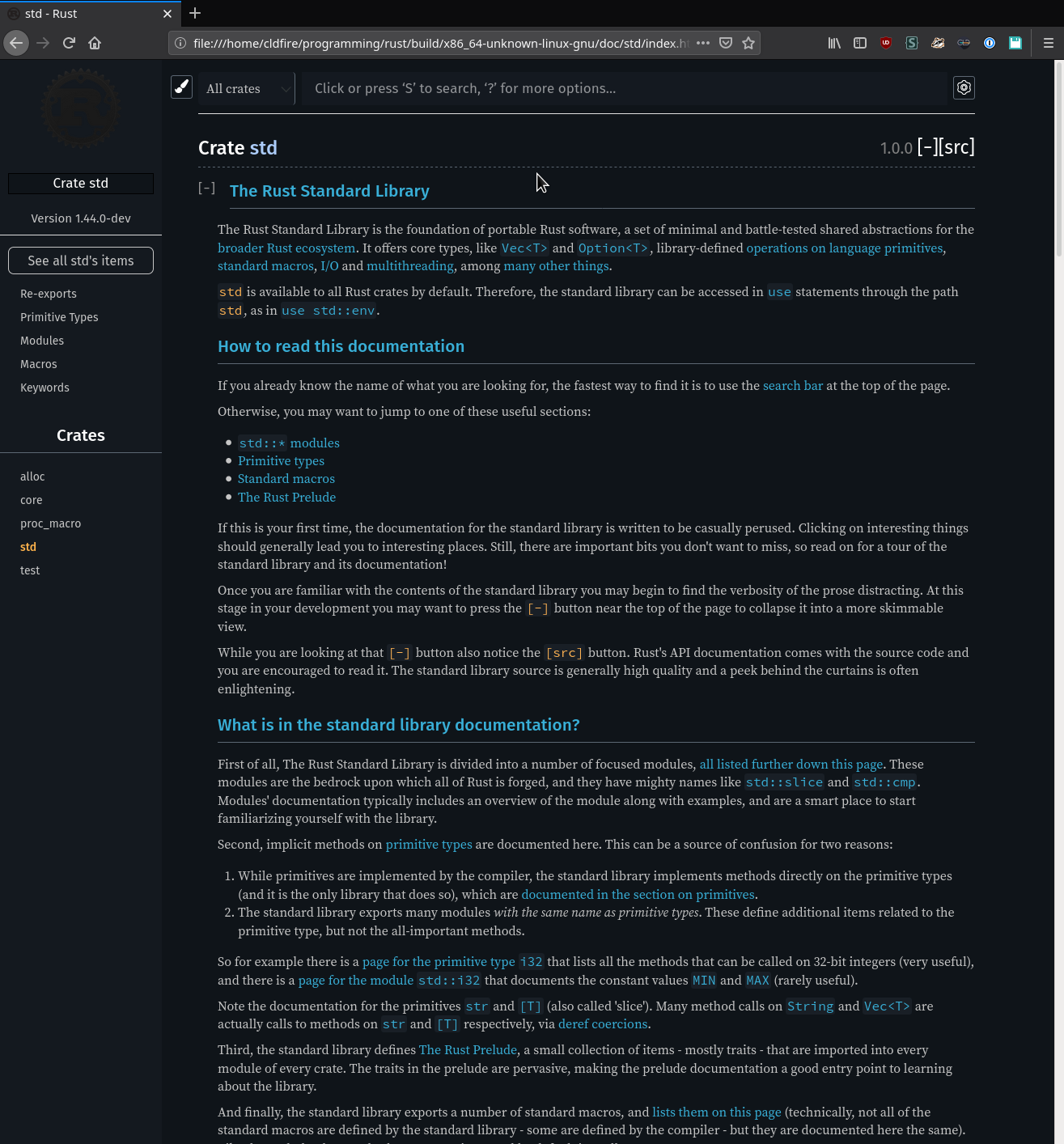
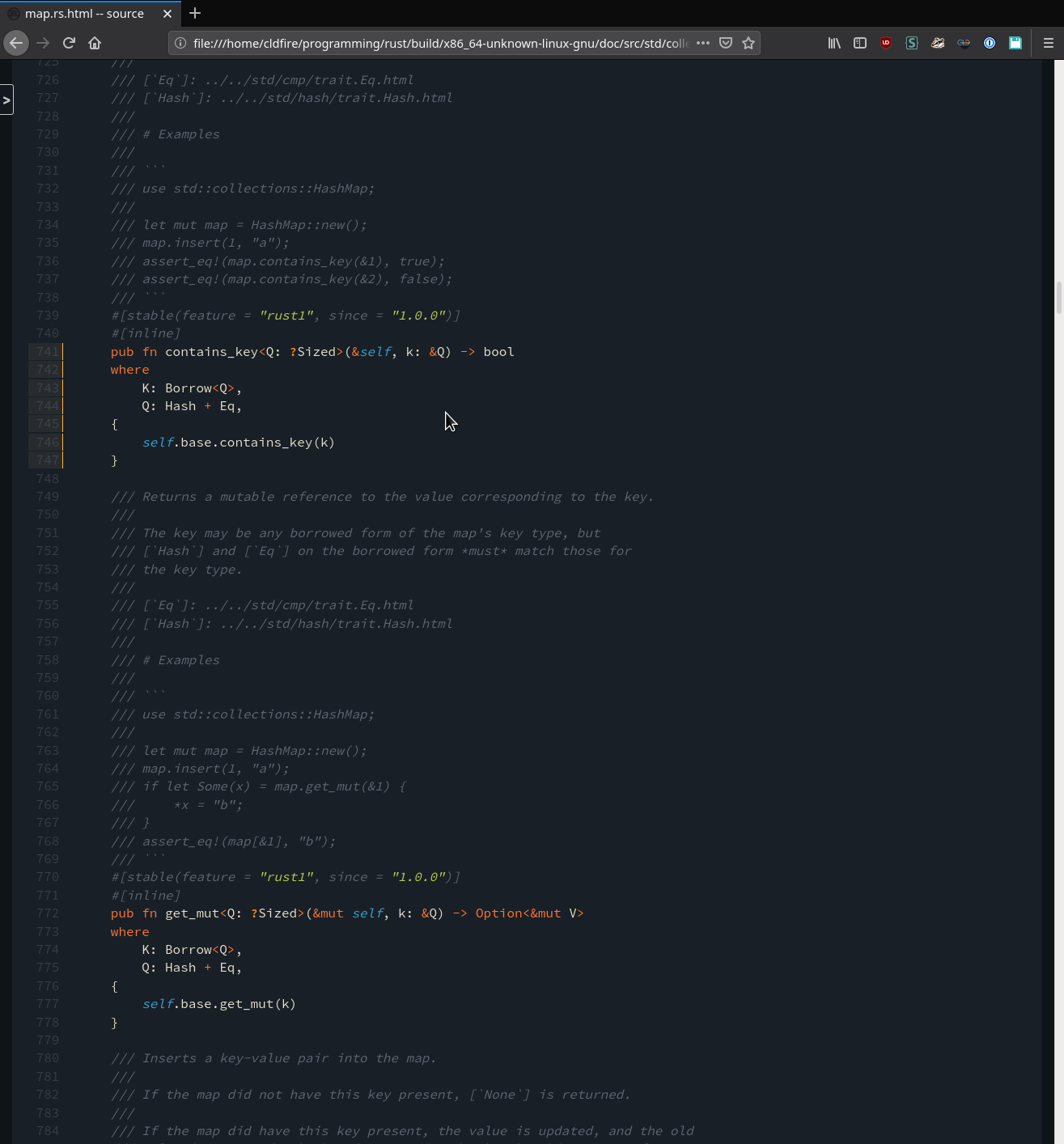
rustdoc: glue tokens before highlighting
Fixes#72684.
This commit also modifies the signature of `Classifier::new` to avoid
copying the source being highlighted.
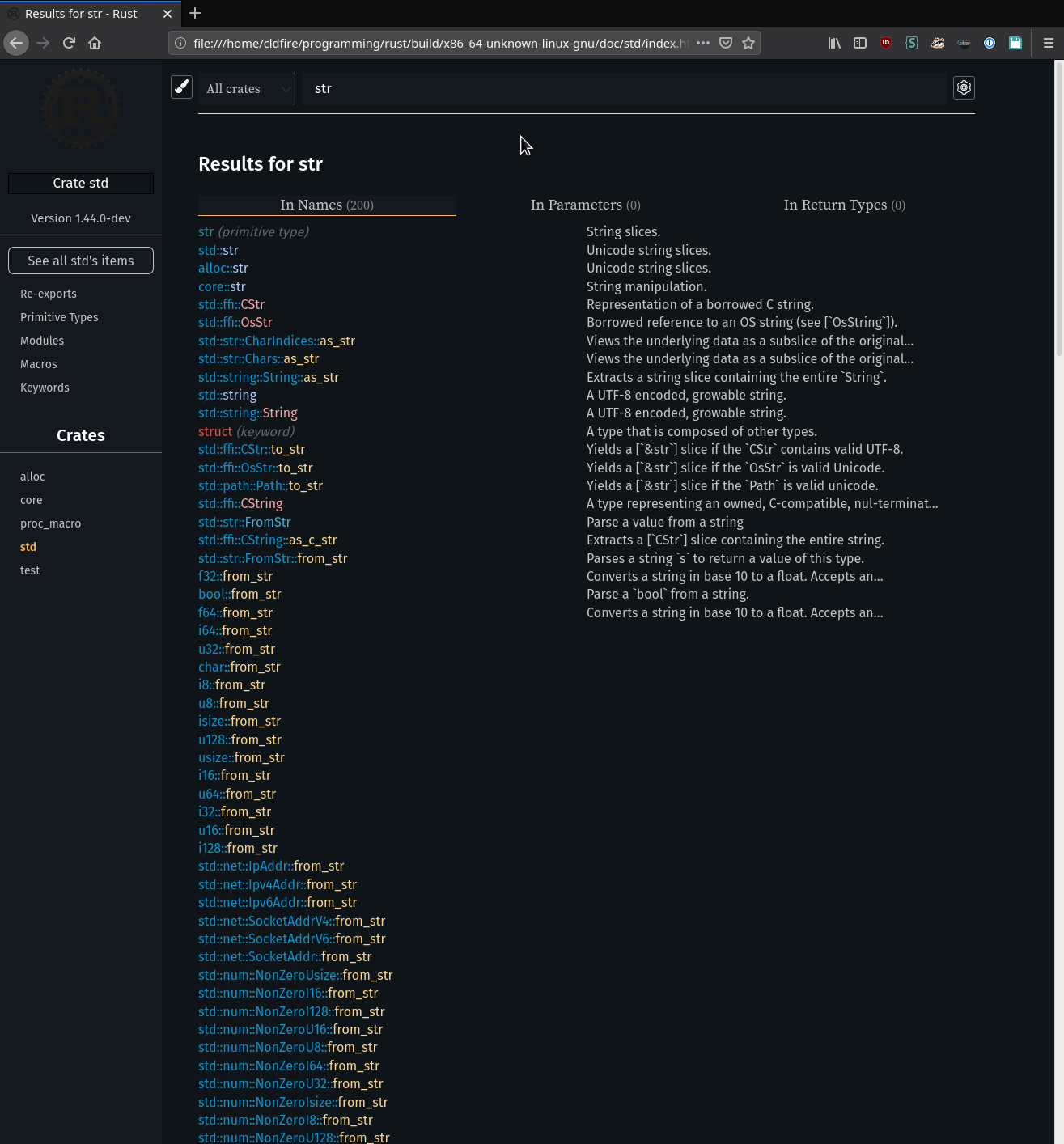
Add margin after doc search results
I found it not really on computer that the last result is right at the bottom of the page. I find it better with margin below (especially when you hover the last element!). A screenshot to show the result:

r? @kinnison
cc @rust-lang/rustdoc @Manishearth @jyn514
Add option to collapse automatically implementors
Fixes#73403
It adds an option (enabled by default) which collapses all implementors impl blocks.
r? @kinnison
cc @rust-lang/rustdoc
* It makes some lines darker
* It gives the crate selector and search bar a border
  * The search bar's border turns blue when focused
* Gives the logo a bright shadow. This makes dark logos stand out more
rustdoc: Restore underline text decoration on hover for FQN in header

This causes the components of FQN's (e.g. `std`, `net`, and `Ipv4Addr` of the FQN `std::net::Ipv4Addr`) to behave similarly to other links in the contents of rustdoc-styled pages. When the user hovers over them, more clearly indicating that they can be used for navigation.

I (and I hope others at least in part) have found the prior design to be somewhat confusing, as it is not clear (upon hovering) that the various parts of the FQN are actually links that the user can navigate to.

<details><summary>📸 Before, mouse hovered over "net" in the FQN</summary>
<img alt="A rustdoc page with the mouse hovered over the fully-qualified name in the page header, producing no visual change" src="https://user-images.githubusercontent.com/1566689/86538363-4c827000-bebb-11ea-8291-5ea6b85d7e19.png" />
</details>
<details><summary>📸 After, mouse hovered over "net" in the FQN</summary>
<img alt="A rustdoc page with the mouse hovered over the fully-qualified name in the page header, now with an underline showing up under the word hovered over by the mouse" src="https://user-images.githubusercontent.com/1566689/86538471-d3374d00-bebb-11ea-9bb3-7aa2d7a4800b.png" />
</details>
This causes the components of FQN's to behave similarly to other links
in the contents of rustdoc-styled pages.

I (and I hope others at least in part) have found the prior design to be
somewhat confusing, as it is not clear (upon hovering) that the various
parts of the FQN are actually links that the user can navigate to.

In short, this patch makes links in the FQN have an underline when the
user hovers over them, more clearly indicating that they can be used for
navigation.

Signed-off-by: Kristofer Rye <kristofer.rye@gmail.com>
- Pass around document_private a lot more
- Add tests
  + Add tests for intra-doc links to private items
  + Add ignored tests for warnings in reference links
Don't move cursor in search box when using arrows to navigate results

## What happens

- Go to https://doc.rust-lang.org/stable/std/index.html
- Press 's' to focus the search box
- Type a query like 'test'
- Press the down arrow one or more times to change which search result is highlighted
- Press the up arrow once to go up one search result
- Notice the cursor in the search box is now at the beginning of your query, such that if you now typed 'a' the search box would contain 'atest', when it would be expected that the cursor would have remained where it was and if you typed 'a' at this point it would result in 'testa'
- Press the down arrow once to go down one search result
- Now notice the cursor is at the end of your query again

## What I expected

I expected that changing which search result was highlighted using the up and down arrows would have no effect on where the cursor was in the search box.

## The fix

This PR prevents the default action of the up and down arrows when the custom keydown events are happening during a search.
Fix a crash when searching for an alias contained in the currently selected filter crate.

Also remove alias search results for crates that should be filtered out.

The test suite needed to be fixed to actually take into account the crate filtering and check that there are no results when none are expected.
Added tooltip for should_panic code examples

This change adds a tooltip to the documentation for `should_panic` examples. It currently displays identically to `compile_fail` examples, save for the changed text. It may be helpful to change the color that this displays in to make it visually more clear what is going on, but I'm unsure if additional colors wouldn't just be distracting.

I brought this [up on internals](https://internals.rust-lang.org/t/indicating-that-an-example-is-should-panic-in-docs/12544) a few days ago, and there seemed to be a mild positive response to it.
Only highlight doc search results via mouseover if mouse has moved

## What happens

- Go to https://doc.rust-lang.org/stable/std/index.html
- Put your mouse cursor somewhere in the middle where search results will appear and then don't move the mouse
- Press 's' to focus the search box
- Type a query that brings up enough search results to go under where your mouse cursor is
- Press the down arrow
- The search result that is one below where your mouse cursor is will be highlighted.

## What I expected

When not currently using the mouse, I expect doing a search and then pressing the down arrow to always highlight the first search result immediately below the search box.

## The fix

This feels a bit hacky to me; I'm open to other solutions. This introduces a global JS var that keeps track of whether the person searching has moved their mouse after doing a search or not, and only uses the mouse position to highlight search results if the person HAS moved the mouse AFTER doing a search.
Previously, compile_fail and ignore code examples displayed a tooltip
indicating this in the documentation. This tooltip has now also been
added to should_panic examples.